
Mermaid diagrams
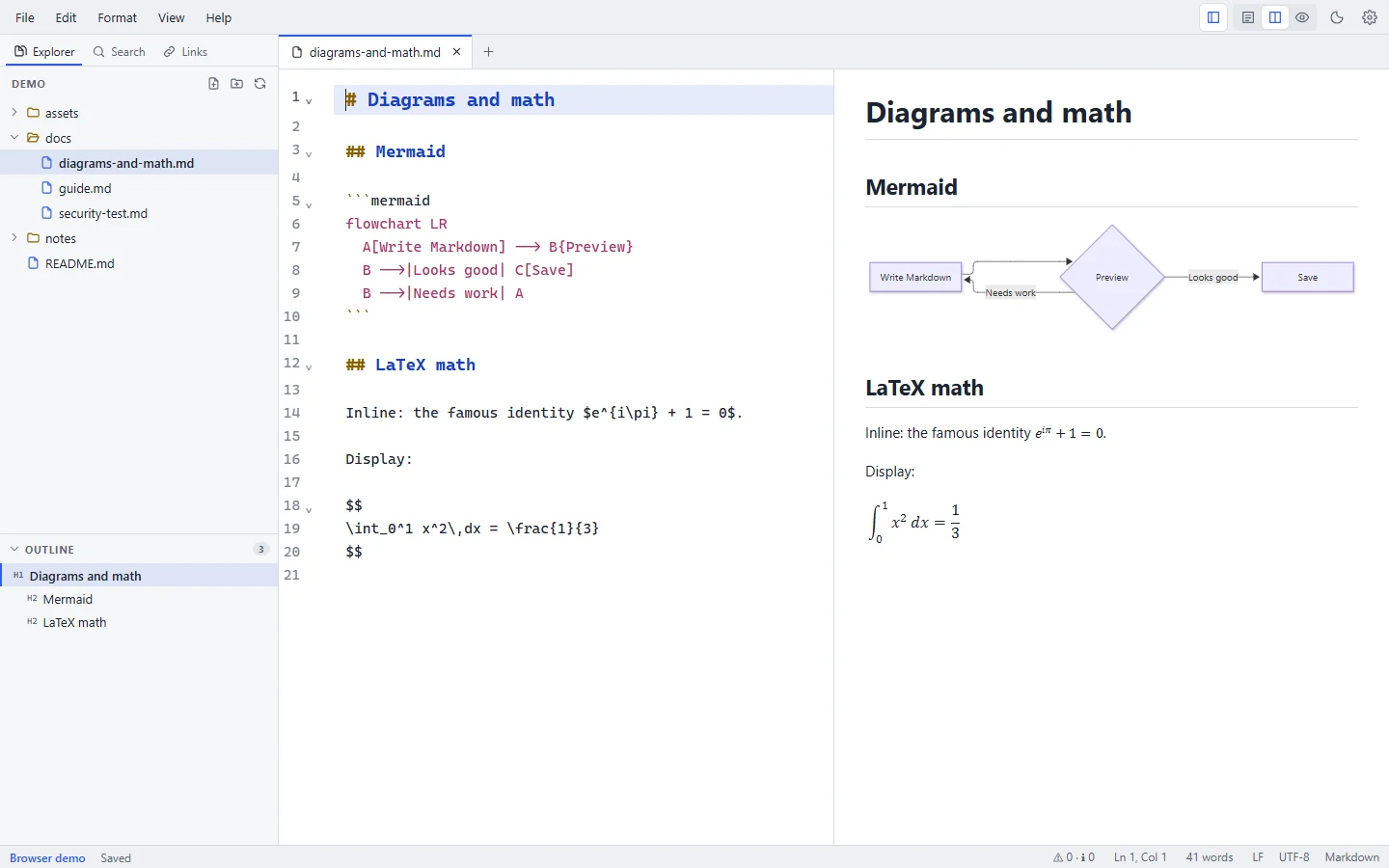
Mermaid turns text into diagrams. Write the diagram in a code block with the language mermaid, and the preview draws it.
To start from a working example, use Format → Diagram → Flowchart, Sequence Diagram, Gantt Chart or Pie Chart. The diagram's first line is selected, so you can change its type or direction right away.
Syntax
```mermaid
graph TD
    A[Markdown] --> B[Markpion]
    B --> C[Preview]
```
A few more examples:
```mermaid
sequenceDiagram
    participant U as User
    participant A as App
    U->>A: Save (Ctrl+S)
    A-->>U: Saved
``````mermaid
pie title Time spent
"Writing" : 60
"Reviewing" : 25
"Formatting" : 15
```Supported diagram types
Markpion includes Mermaid 12, so it draws the diagram types that version supports, including flowcharts (graph / flowchart), sequence, class, state, entity-relationship, Gantt, pie, user journey, Git graph, mindmap, timeline, quadrant and XY charts. See the Mermaid documentation for the syntax of each.
Preview
- Diagrams are drawn in the preview as you type, and follow the light or dark theme.
- Mermaid runs in strict security mode: click handlers and HTML inside labels are disabled, and the output is sanitized.
- Mermaid loads only when a document contains a diagram, so it doesn't slow down startup.
- To show the code instead of the diagram, turn off Settings → Preview → Render Mermaid diagrams.
Export
| Export | Diagram |
|---|---|
| Export as HTML | Drawn, embedded in the file as SVG |
| Print / Save as PDF | Drawn, as in the preview |
| Export as PDF, Export as Word | Drawn as a picture (at twice screen resolution, so it prints sharply) |
A diagram with a syntax error is exported as its code instead. When Render Mermaid diagrams is off in Settings, all exports keep the code.
Troubleshooting
If a diagram has a syntax error, the preview shows Diagram error: followed by Mermaid's message instead of the diagram. Common causes:
- A misspelled diagram type on the first line (
flowchart,sequenceDiagram,classDiagram, …). - Special characters in labels: put the label in quotes, for example
A["Save (Ctrl+S)"]. - Arrows with the wrong syntax for the diagram type:
-->in flowcharts,->>in sequence diagrams.
More help: Preview, Mermaid & math troubleshooting.