Editor and live preview
A CodeMirror 6 editor with Markdown highlighting side by side with a GitHub-style preview. Scrolling stays in sync, and you can switch to editor-only or preview-only.
Editor guide
Write, edit, preview and organize Markdown documents in one fast, local-first workspace. Your files stay on your computer.

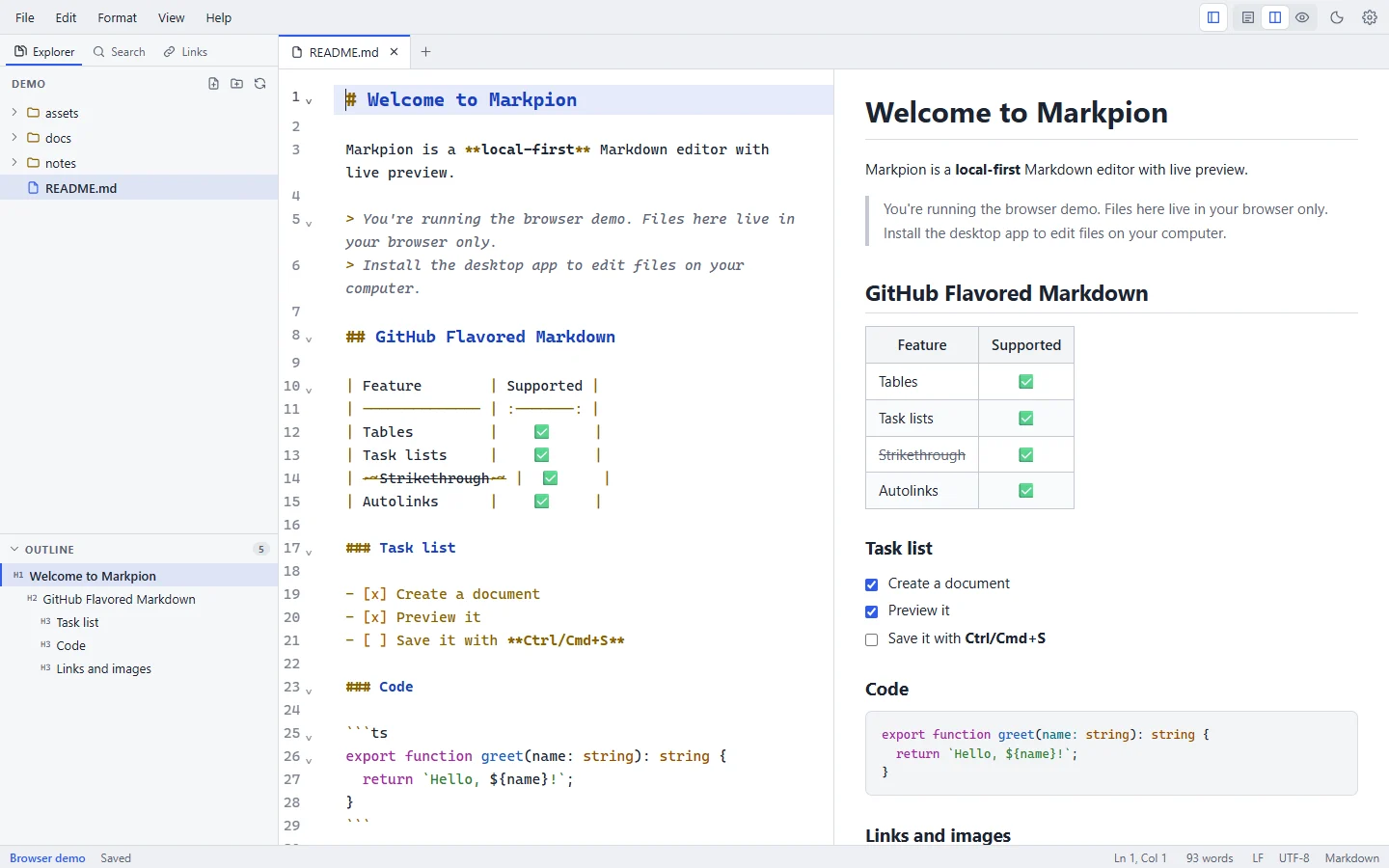
Markpion is a native desktop app built with Tauri. Every release has a separate installer for each system, and nothing else needs to be installed:
| System | Installers |
|---|---|
| Windows 10 (1803+) and 11, x64 | Standard installer, or an offline installer that includes WebView2 |
| macOS 10.15+ | .dmg for Apple Silicon and for Intel |
| Linux x86_64 | AppImage, .deb and .rpm |
Download Markpion · Installation guides
https://) addresses in your documents are loaded from the web when you preview them, as in a browser.Read the full privacy notes.
Markpion 0.28.0, released 2026-10-02. See what's new or all release files on GitHub.
Markpion's source code, issues and releases are public at github.com/nasimuddin-dev/markpion. Report a bug or request a feature, browse releases, or read the source.