
Introduction
Markpion is a desktop Markdown editor for Windows, macOS and Linux. You write in an editor on one side and see the rendered document on the other. It works directly with the .md files on your computer: there's no account, no cloud and no import step.
Who it's for
- Developers editing READMEs, changelogs and technical notes, with code highlighting, tables and Mermaid diagrams.
- Technical writers managing a folder of documents with an outline, cross-file links, a link checker, and PDF or Word export.
- Anyone who writes in Markdown and wants a focused, private, offline editor.
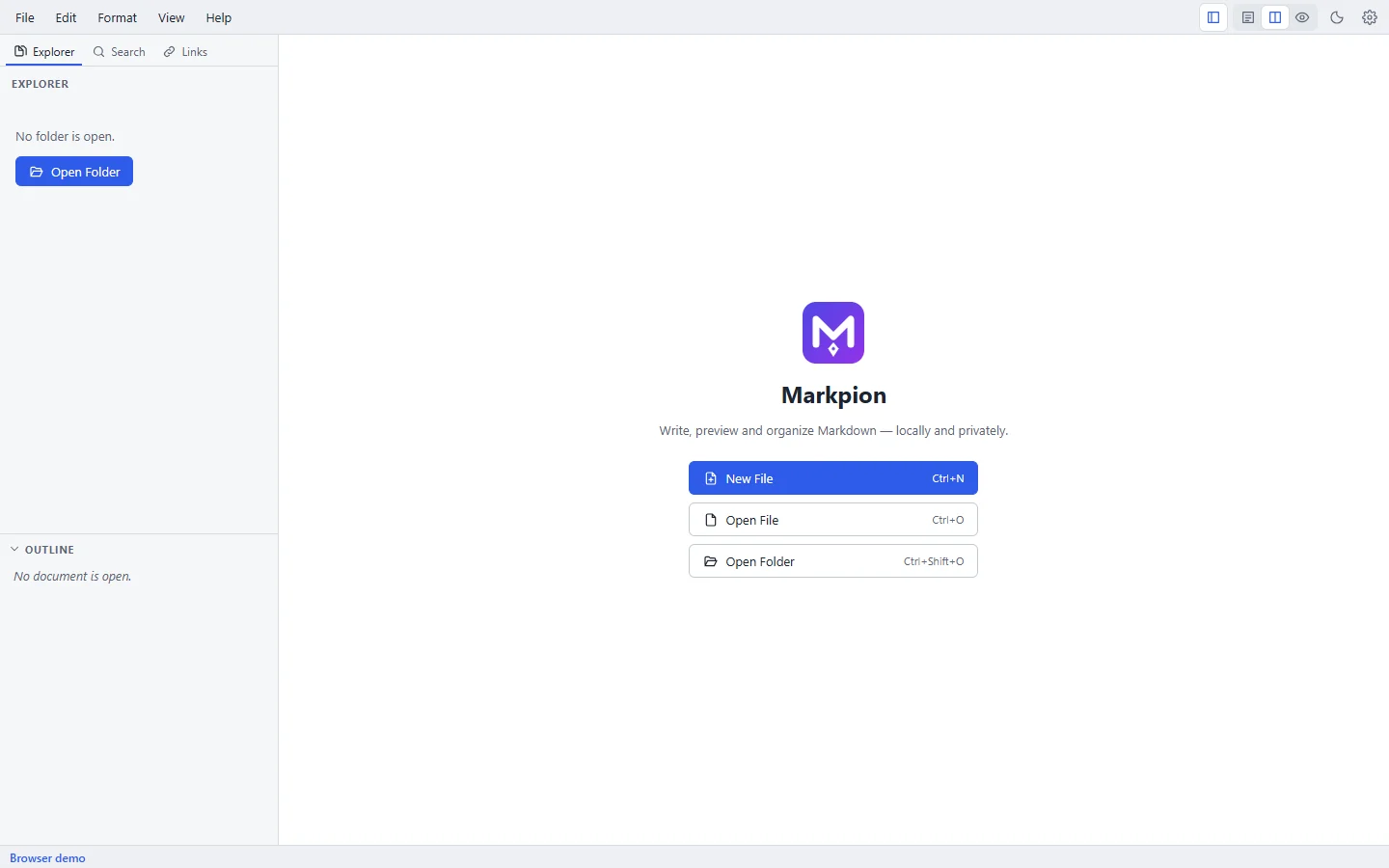
How the window is laid out
| Area | What it does |
|---|---|
| Menu bar | File, Edit, Format, View and Help menus, and buttons for the explorer, views, theme and settings |
| Sidebar | Explorer (folder tree), Search (Find in Files) and Links (link check), with the Outline below |
| Tabs | One tab per open document; a dot marks unsaved changes |
| Editor | Where you type Markdown |
| Preview | The rendered document, updated as you type |
| Status bar | Save state, problems, line and column, word count, line endings, encoding |
Where to go next
- Install Markpion on your system.
- Create your first document.
- Learn the editor, the Markdown syntax it supports, and its keyboard shortcuts.
Find any command
Press Ctrl+Shift+P (Windows, Linux) or Cmd+Shift+P (macOS), or F1, to open the command palette and search every command by name.